Think of a robot vacuum. You tell it once which rooms to clean and when — and from then on it works by itself while you get on with your day. You don't need to know how it works inside.
A Polymarket trading bot works much the same way. You pick a strategy and set the rules: how much money it may spend and on what. Then the bot watches the market and trades around the clock. Here's how to launch one step by step, without a single line of code.
Step 1. Sign up
Sign in with email, Google or a crypto wallet. A Polymarket wallet is created automatically. Its keys aren't stored by Potabo: the bot only gets a narrow permission to place orders within the limits you approved.
Step 2. Pick a strategy
Potabo has three ready-made strategies. Pick the one that fits your style:
- Scalper — many short trades on 5-minute crypto markets.
- High-probability events — rare, calm trades on nearly resolved events.
- Copy trading — repeating the trades of traders you trust.
Not sure which to choose? Read 10 algo trading strategies to see how each one works.
Step 3. Set the rules
The main settings are simple:
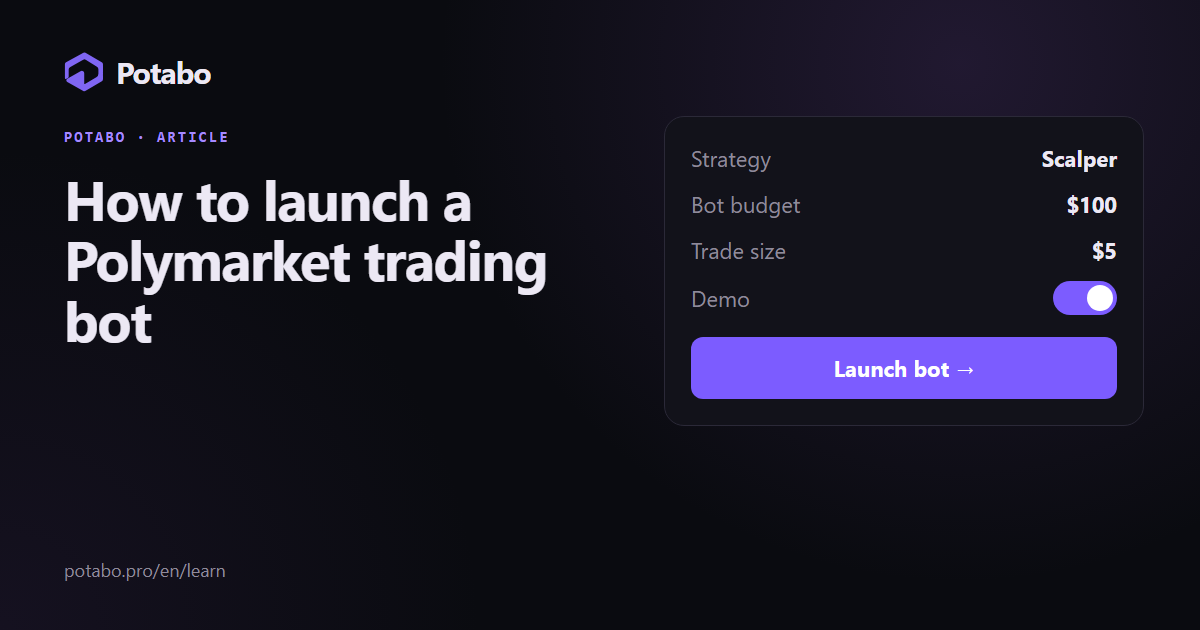
- Bot budget — how much money it can use in total. The bot never spends more.
- Trade size — how much it spends on one trade.
- Strategy settings — for example, coins for the scalper, event topics or traders to copy.
Step 4. Run it on demo
Demo is the same live Polymarket market, only the money is virtual. The bot makes the same decisions as on a live account. How to read demo results properly is covered in How to test a strategy before investing.
Step 5. Watch the trades
The dashboard shows every trade: when the bot entered, at what price and how it ended. There's a total for the day, week and month. You can stop the bot at any moment with one button.
Step 6. Switch to a live account
When the demo result suits you:
- Top up your wallet in the dashboard: "Deposit", send USDC to the address shown.
- Switch the account from "Demo" to "Live".
- Launch the bot with the same settings.
Frequently asked questions
Do I need to know how to code?
No. All strategies are ready-made, and settings are done with sliders and switches.
How many bots can I run?
Up to 3 at once on PRO, up to 30 on VIP. More on the pricing page.
Can the bot spend more than I allowed?
No. Each bot has its own budget and can't go beyond it.
Can I stop the bot?
Yes, at any moment. When stopping, you can choose what to do with open trades.
Does the bot work when my computer is off?
Yes. The bot runs on Potabo's servers around the clock; your computer isn't needed.
Live Polymarket markets and virtual money: test any strategy without risk.
Read also
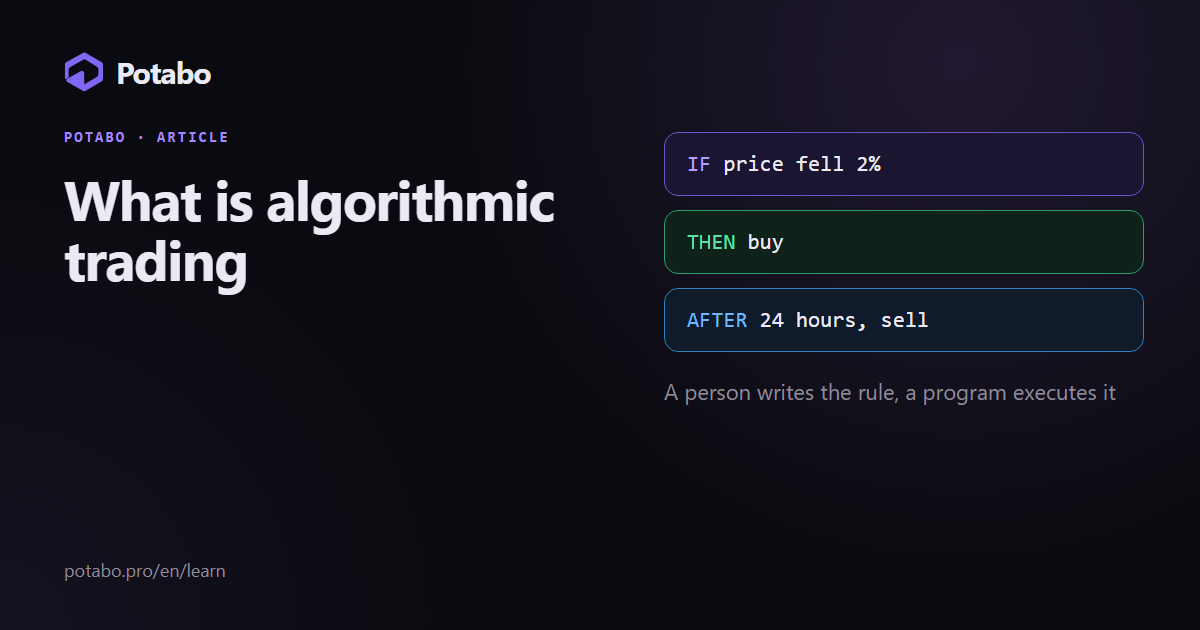
Algorithmic trading in plain words: how rule-based trading went from 1970s exchange terminals to crypto bots and prediction markets, and where Potabo fits in.
5 min read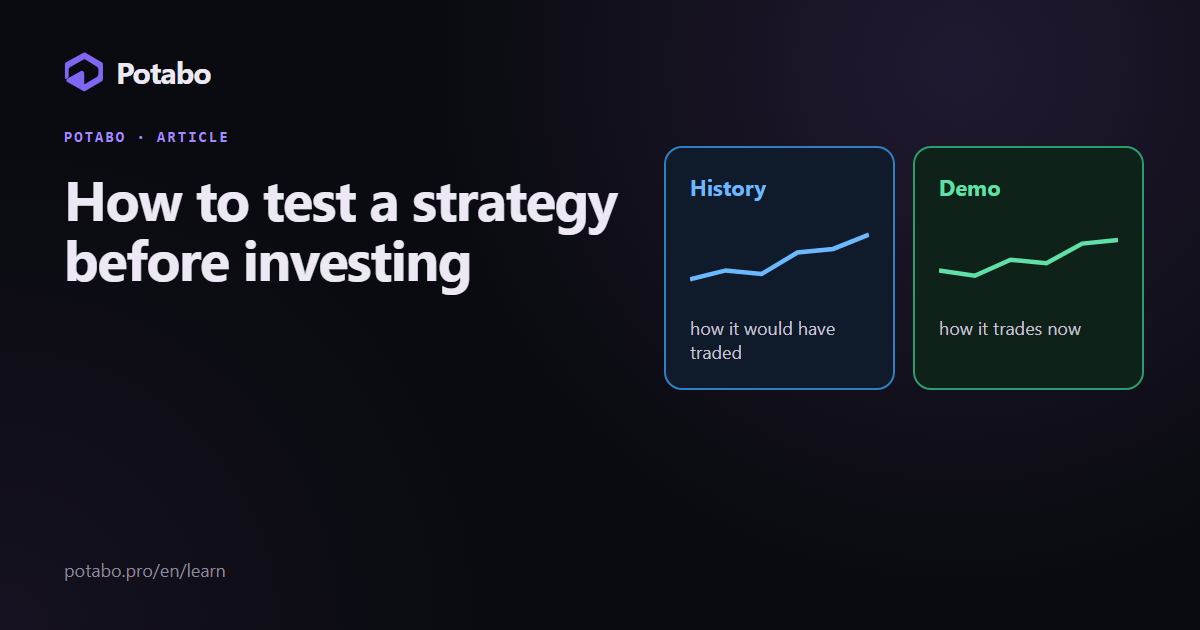
How to test a trading strategy on Polymarket without risk: testing on history (backtest), a demo account on the live market and what to look at in the results.
3 min read
A step-by-step guide for beginners: how Polymarket works, how to pick a market, read the rules, buy your first ticket and try everything risk-free on demo.
3 min read